Multi-Repo
Shep can manage features across as many repos as you want, all from one dashboard. Useful when a feature spans frontend and backend, or when you context-switch between projects throughout the day.
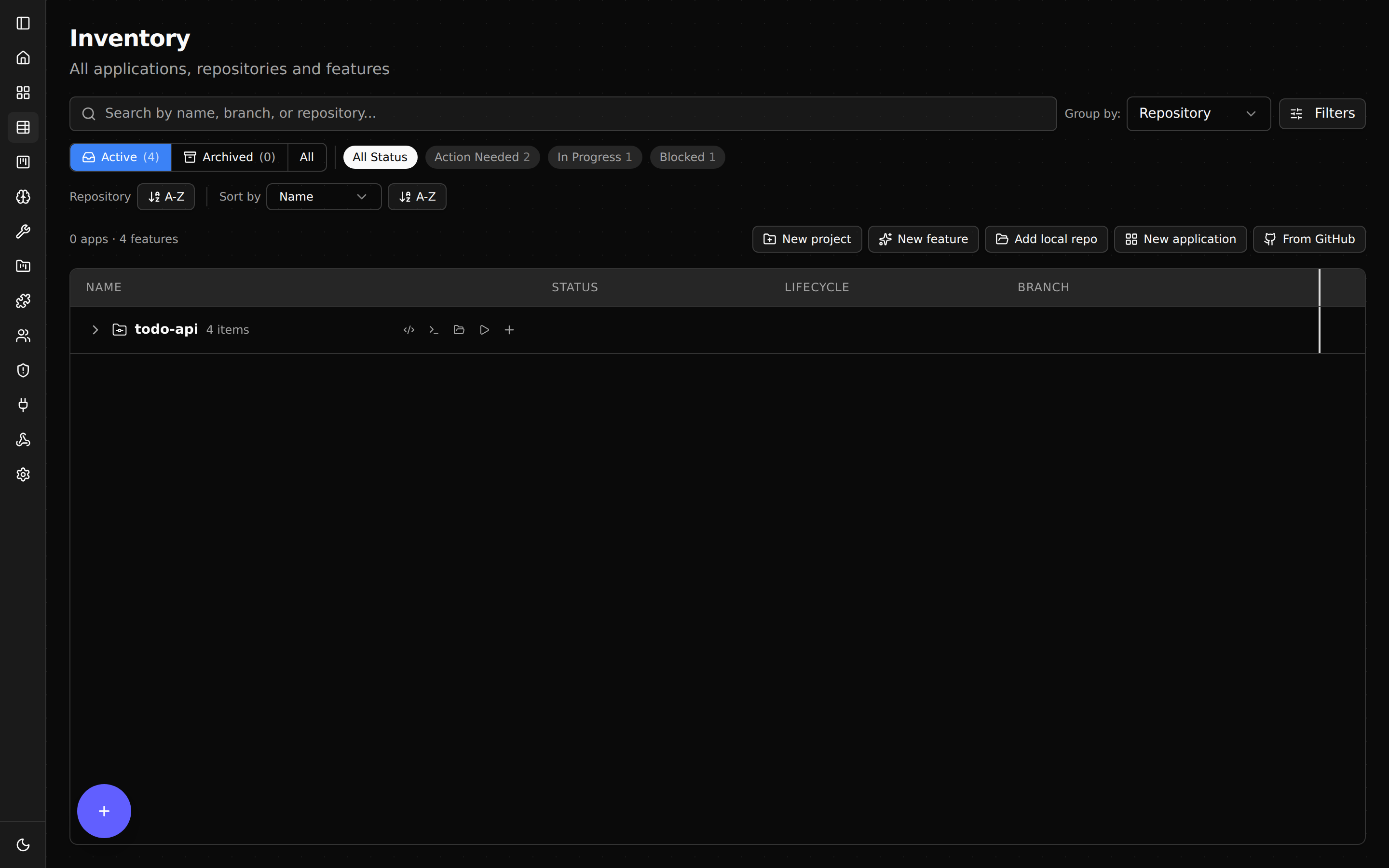
Adding a repo
Two options.
Add by cd-ing into it and starting a feature. The first time Shep runs in a repo, it adds the repo to its tracked list automatically:
cd ~/projects/backend
shep feat new "add /health endpoint" --pr
Or add a feature against another repo without cd-ing:
shep feat new "add /health endpoint" --repo ~/projects/backend --prEither way, the repo shows up in the dashboard’s repo switcher.
Listing tracked repos
shep repo lsOutput shows every repo Shep is tracking with its path, current branch base, and active feature count.
Working across repos
The dashboard’s header has a repo switcher. Pick:
- A specific repo — sidebar shows only that repo’s features.
- All repos — sidebar shows everything, grouped by repo.
You can run features in two repos in parallel:
shep feat new "add payments API" --repo ~/projects/backend --pr
shep feat new "add checkout UI" --repo ~/projects/frontend --pr
Two worktrees, two branches, two draft PRs — one in each repo.
Cloning remote repos
If you want Shep to clone a remote repo and work there (without making a local checkout first):
shep feat new "explore using polars instead of pandas" \
  --remote https://github.com/myorg/data-pipeline \
  --pr
Shep clones the repo into a temporary location under ~/.shep/, runs the feature there, and opens the PR. Useful for one-off experiments on repos you don’t want to keep around.
Cross-repo workflows
Shep doesn’t currently coordinate features across repos automatically — each feature is independent. But you can use Shep as the front-end for a multi-repo workflow:
- Create the backend feature:
shep feat new "add payments API" --repo ./backend --pr - Wait for the API to be merged (or close enough).
- Create the frontend feature with
--attachpointing at the backend’s API spec.
shep feat new "add checkout UI using the new payments API" \
  --repo ./frontend \
  --attach ./backend/openapi.yaml \
  --pr
The frontend agent gets the API contract as context.
Removing a repo
Shep doesn’t have a “remove repo” command. To stop tracking a repo, delete its features and stop running Shep against it. The next shep repo ls will still show it (Shep keeps the record), but no new features will spawn.
If you want to fully reset, delete ~/.shep/ and re-run setup. This wipes all state — features, settings, history.
What’s next
- Configuration — set per-repo defaults in
.shep/config.json. - Web Dashboard — use the repo switcher to manage all repos in one view.
- CLI Reference —
shep repoandshep featcommands for multi-repo workflows.