Experimental Features
Shep ships work-in-progress features behind toggles in Settings → Feature Flags. They’re real surfaces — pages, buttons, CLI commands — but they’re still moving, and what you see today may change or be removed in a future release. Enable at your own risk.
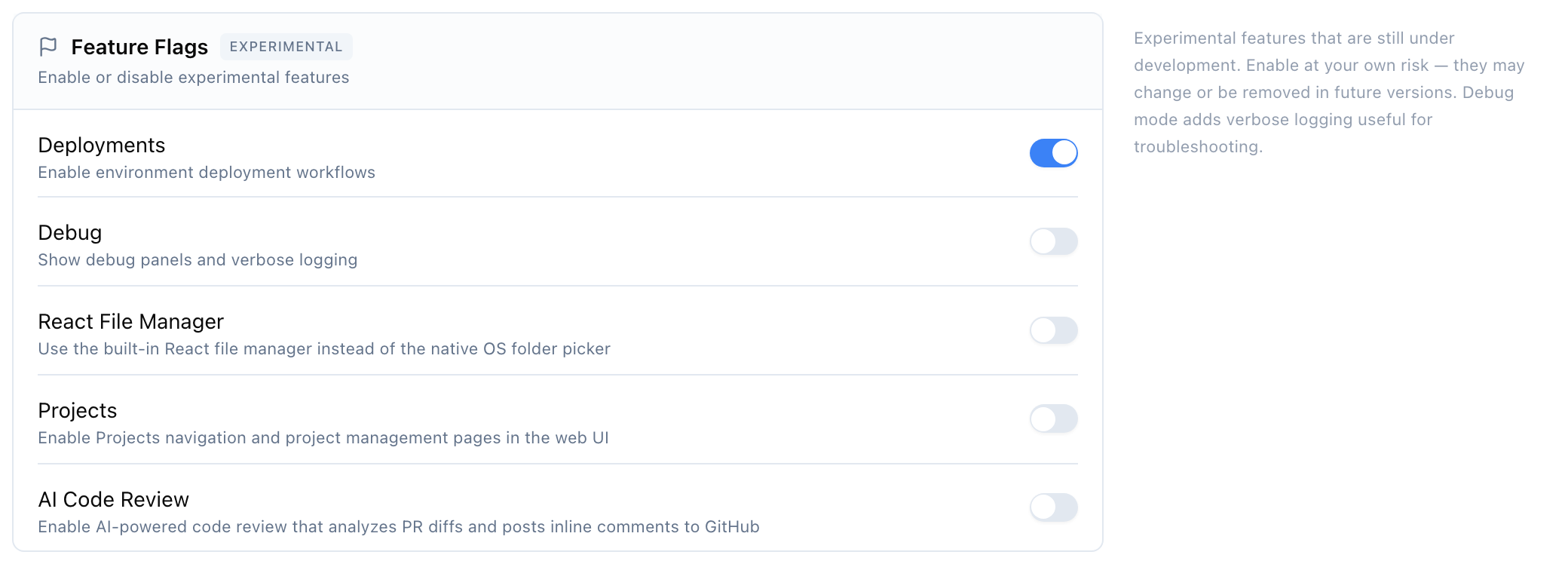
After turning a few on:
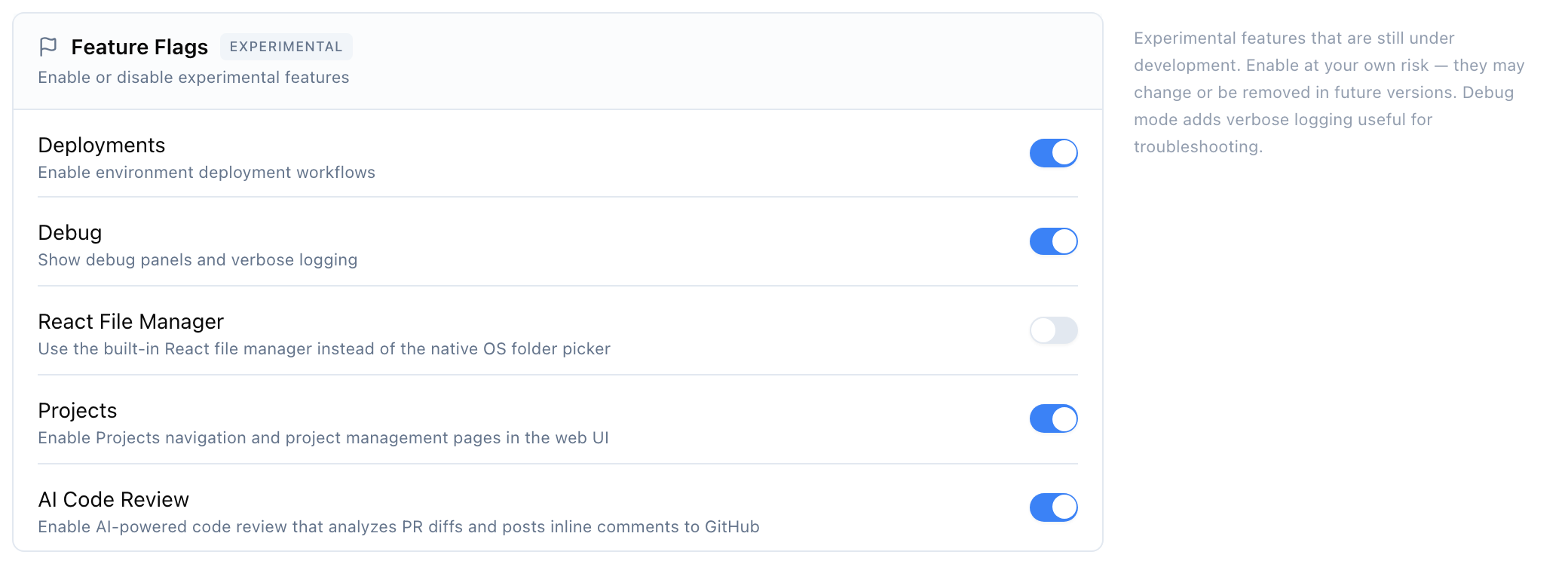
How to enable
The straightforward way is the dashboard:
- Open Shep at localhost:4050 .
- Go to Settings.
- Scroll to Feature Flags (marked Experimental).
- Flip the switch for the feature you want.
Settings save automatically. The change applies the next time you load any page that gates on it.
For headless / scripted environments, three flags also have environment-variable overrides:
| Variable | Flag |
|---|---|
NEXT_PUBLIC_FLAG_ENV_DEPLOY | envDeploy |
NEXT_PUBLIC_FLAG_REACT_FILE_MANAGER | reactFileManager |
NEXT_PUBLIC_FLAG_COLLABORATION | collaboration |
Set a value of true or 1. Env vars only take effect when no DB-stored setting exists; once you’ve toggled in the dashboard, the DB value wins.
The flags
Deployments
| Flag in Settings | Internal name | Default |
|---|---|---|
| Deployments | envDeploy | on |
Adds environment-deployment surfaces inside the repo and feature drawers. With it on, repos and features expose a deploy target panel; with it off those panels are hidden.
This is the only flag that’s on by default — the surface is reasonably stable but still labelled experimental.
Debug
| Flag in Settings | Internal name | Default |
|---|---|---|
| Debug | debug | off |
Shows debug panels and verbose client-side logging across the dashboard. Useful when you’re triaging a hang, a stuck phase, or an oddly-rendered widget — turn it on, reproduce, copy the panel content into your bug report, turn it back off.
DB-only — there is no env-var fallback for this flag.
React File Manager
| Flag in Settings | Internal name | Default |
|---|---|---|
| React File Manager | reactFileManager | off |
Replaces the native OS folder picker (the dialog you see when you click Add local repo) with a built-in React file manager. Useful on systems where the native picker is awkward — remote desktops, Linux without a file-manager backend, or when you want consistent UX across machines.
Projects
| Flag in Settings | Internal name | Default |
|---|---|---|
| Projects | projects | off |
Adds Projects navigation in the left sidebar and turns on the project-management pages. Projects are a higher-level grouping above repositories — useful when you have many repos that ladder up to one product.
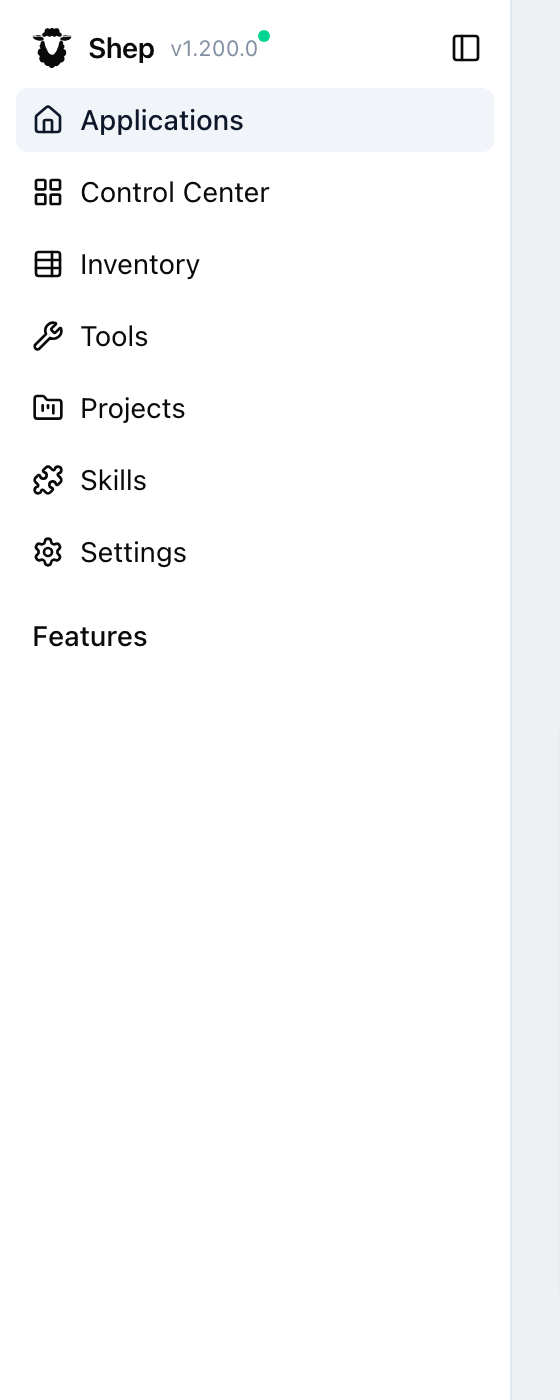
The pages are stubby — they may not yet do what you’d expect from “project management.” Try them, but treat the surface as exploratory.
AI Code Review
| Flag in Settings | Internal name | Default |
|---|---|---|
| AI Code Review | codeReview | off |
Adds a Trigger Review action to a feature’s overview tab when the feature has an associated pull request. Clicking it asks the agent to analyze the PR diff and post inline review comments to GitHub.
Useful as a second-pass reviewer on AI-written code — but it doesn’t replace human review, especially for security-sensitive changes.
Agent Collaboration & Supervision
| Flag in Settings | Internal name | Default |
|---|---|---|
| Agent Collaboration & Supervision | collaboration | off |
The biggest surface. Turns on:
/agents— a custom agent prompt editor where you can override the prompts Shep uses for each phase./agent-questions— a unified inbox of questions the agents are blocked on, scoped per app/feature.- Supervisor agent — a delegated agent that watches your other agents, intervenes when they’re stuck, and can approve / reject phase transitions on your behalf.
- Agent-to-agent messaging — agents can post messages to each other rather than only to you.
Plus an entire CLI surface that’s hidden until this flag is on:
shep supervisor configure       # set up the delegated supervisor
shep supervisor enable | disable
shep supervisor status
shep supervisor approve <id>    # answer a phase-gate prompt the supervisor surfaced
shep supervisor reject <id> --feedback "..."

shep intake ls                  # triage queue: items the supervisor flagged for human review
shep intake accept <id>
shep intake decline <id>

shep agent message send <agent> "<text>"   # poke a specific agent
shep agent questions ls
shep agent questions answer <id> "<reply>"
shep agent questions cancel <id>
This is the most consequential flag in the set — it changes how agents coordinate. The CLI commands and pages may move or be renamed before this leaves experimental status.
Flagged surfaces summary
| Flag | Where it shows up |
|---|---|
envDeploy | Deploy panel in the repo/feature drawers |
debug | Debug panels + verbose console logs across the dashboard |
reactFileManager | ”Add local repo” → React folder picker instead of OS native |
projects | ”Projects” nav item + /projects pages |
codeReview | ”Trigger Review” button on a feature with a PR |
collaboration | /agents, /agent-questions, Supervisor; shep supervisor, shep intake, shep agent message, shep agent questions CLI commands |
When something doesn’t appear
If you’ve enabled a flag and the surface is still missing:
- Hard-refresh the browser (
Cmd/Ctrl + Shift + R). The flags are read on page load. - Check your CLI version. Some flags only exist in newer builds.
shep versionto confirm;shep upgradeif you’re behind. - Confirm the flag in
shep settings show:shep settings show | grep -A6 featureFlags - Check for a feature-disabled error in the UI. Server actions guarded by a flag fail fast with a clear message rather than a 500.
See also
- Configuration — global vs per-repo settings, env-var precedence.
- CLI Reference — the stable, non-experimental command surface.