Parallel Execution & Worktrees
Shep’s superpower is running many AI agents in parallel without them stepping on each other or on your working directory. The mechanism is a long-standing git feature called worktrees.
What’s a worktree?
A worktree is a second checkout of the same repo, sharing the same .git directory. It has its own working files and its own current branch — but objects, history, refs, and config are shared.
Two consequences:
- Worktrees are nearly free. They cost almost no disk space because they share the object database.
- Worktrees are isolated. Edits in one worktree never touch another.
What Shep does with them
For every feature, Shep:
- Creates a worktree under
~/.shep/repos/<repo-id>/wt/<feature-slug>/. - Checks out a fresh branch from
main(or your configured base). - Runs the AI agent inside that directory.
- Commits, pushes, opens a PR — all targeting that worktree’s branch.
Your main checkout never changes. You stay on whatever branch you were on. You can keep coding, run tests, ship hotfixes — the agent’s work is happening in a parallel universe.
Why this matters for parallelism
Without worktrees, running multiple agents on the same repo means:
- They share the working directory → file conflicts.
- They share the current branch → checkout conflicts.
- One stash from one agent breaks the others.
With worktrees, every agent has its own everything. Shep can run 5, 10, or 20 features in parallel — each in its own world.
shep feat new "add stripe checkout" --pr
shep feat new "add dark mode" --pr
shep feat new "refactor auth middleware" --pr
shep feat new "fix login redirect bug" --pr
shep feat new "add /health endpoint" --pr
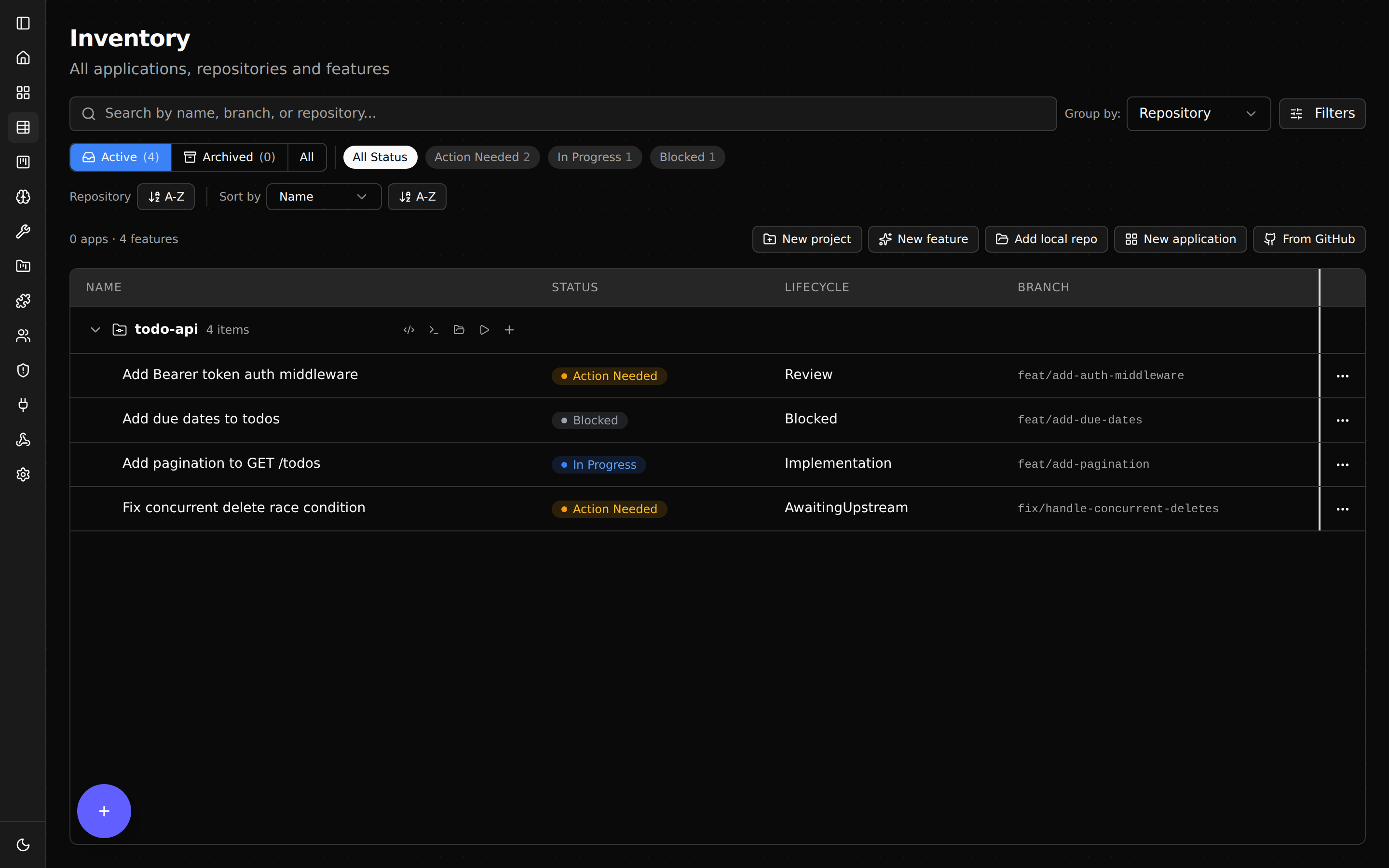
Five agents, five worktrees, five branches, five draft PRs. None of them blocks the others.
Practical limits
The bottlenecks aren’t the worktrees — they’re:
- Your AI agent’s rate limits. Each agent run consumes tokens.
- CPU and RAM. Each agent process needs memory.
- CI capacity. Five parallel pushes mean five parallel CI runs.
Tune agents.maxConcurrentAgents in .shep/config.json to cap concurrency. See Configuration.
Cleaning up
When you delete a feature, Shep removes the worktree:
shep feat del <id>The branch on the remote is not deleted automatically — that’s a deliberate safety choice. Delete it yourself once you’re sure you don’t need it.
Inspecting a worktree directly
Sometimes you want to look at the agent’s work-in-progress code yourself. Click the IDE / terminal / file manager buttons in the dashboard, or cd to the worktree path:
shep feat show <id> | grep "Worktree"
cd <printed-path>
The directory is a normal git checkout — open it in any tool. If you want to take over from the agent, just commit and push from there.